
Welcome to the July 2026 Release of Latner! This month is all about billing flexibility: a new Manual pricing method lets you bill exactly what you decide each period, cycle billing can now combine a customer's rental contracts onto a single invoice, and purchase orders can be duplicated in a couple of clicks. There's also a big set of improvements across stock, email visibility and the mobile app. Below is a full breakdown of what's new in this release.
New Features
Manual Pricing Method
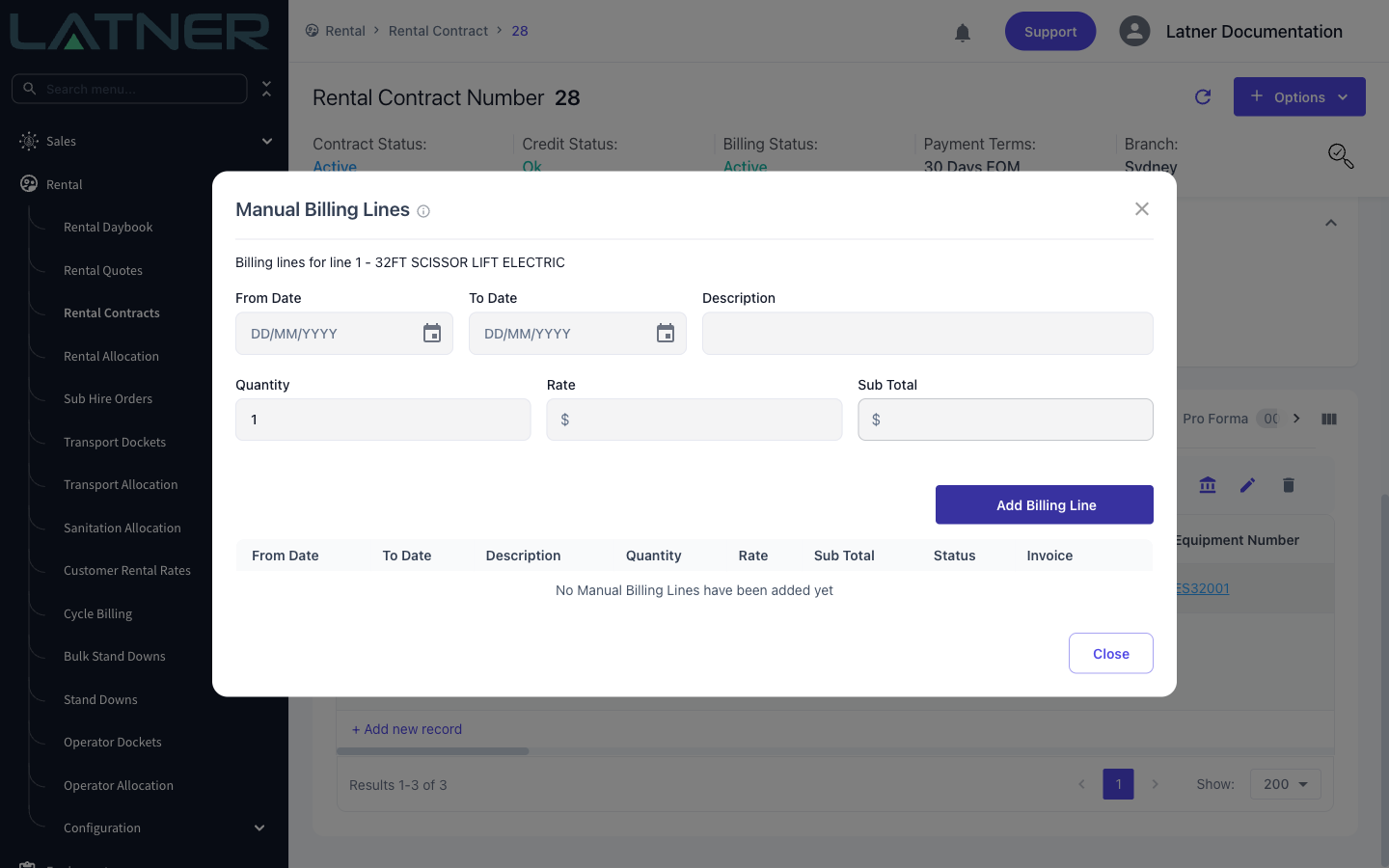
Some jobs just don't fit a daily or weekly rate. The new Manual pricing method lets you invoice a rental contract line entirely from billing lines you enter yourself - pick the period, describe the charge, and set the quantity and rate. The rates on the line are still used for quoting, but billing only ever comes from your manual lines, giving you complete control over what the customer is charged each cycle.
Combined Rental Contract Invoices
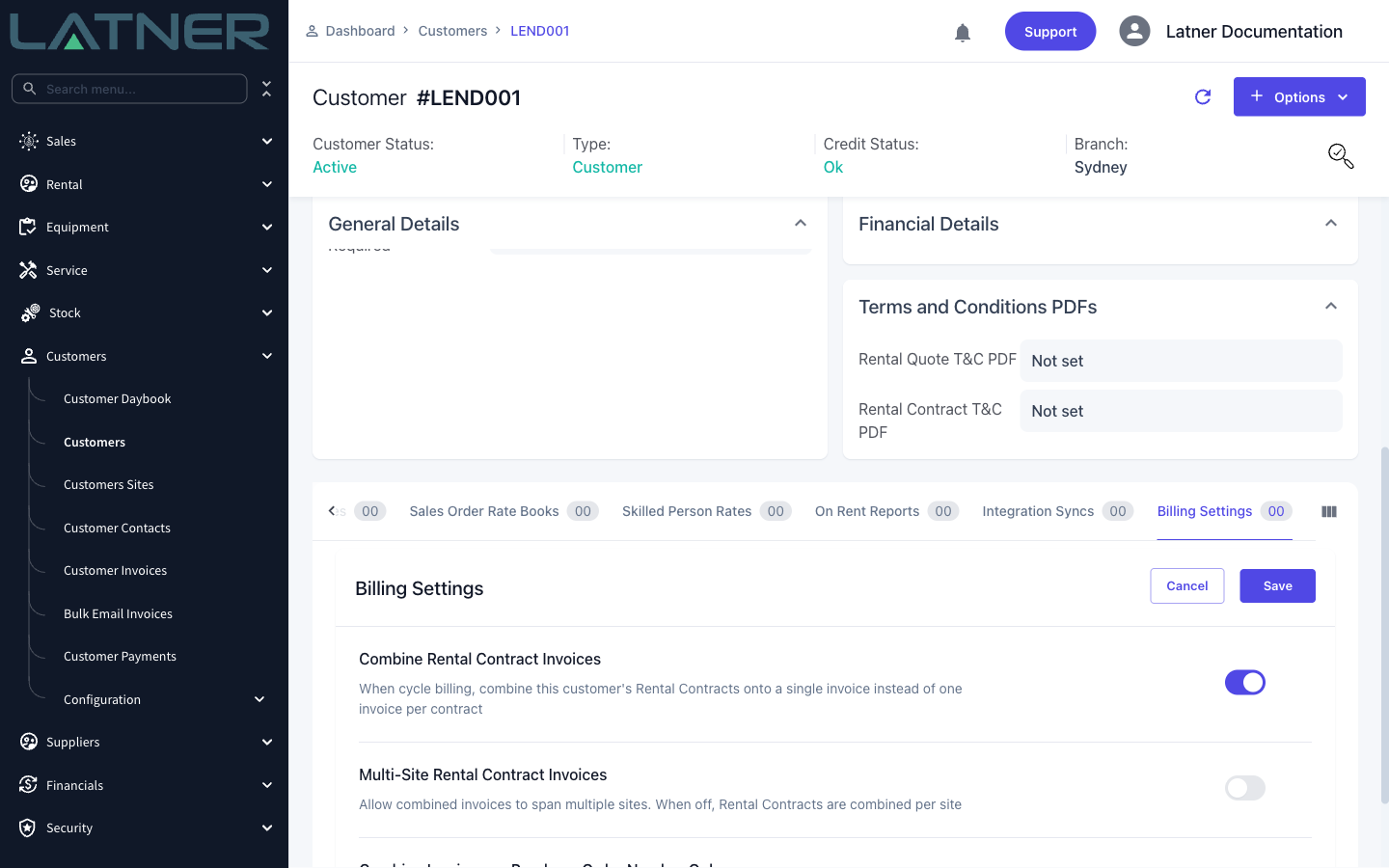
Customers with multiple contracts on the go no longer need an invoice per contract. Turn on Combine Rental Contract Invoices in the customer's Billing Settings and cycle billing will roll all of their rental contracts onto a single invoice. You can choose whether combined invoices can span multiple sites, or combine only contracts that share a purchase order number.
Duplicate Purchase Orders
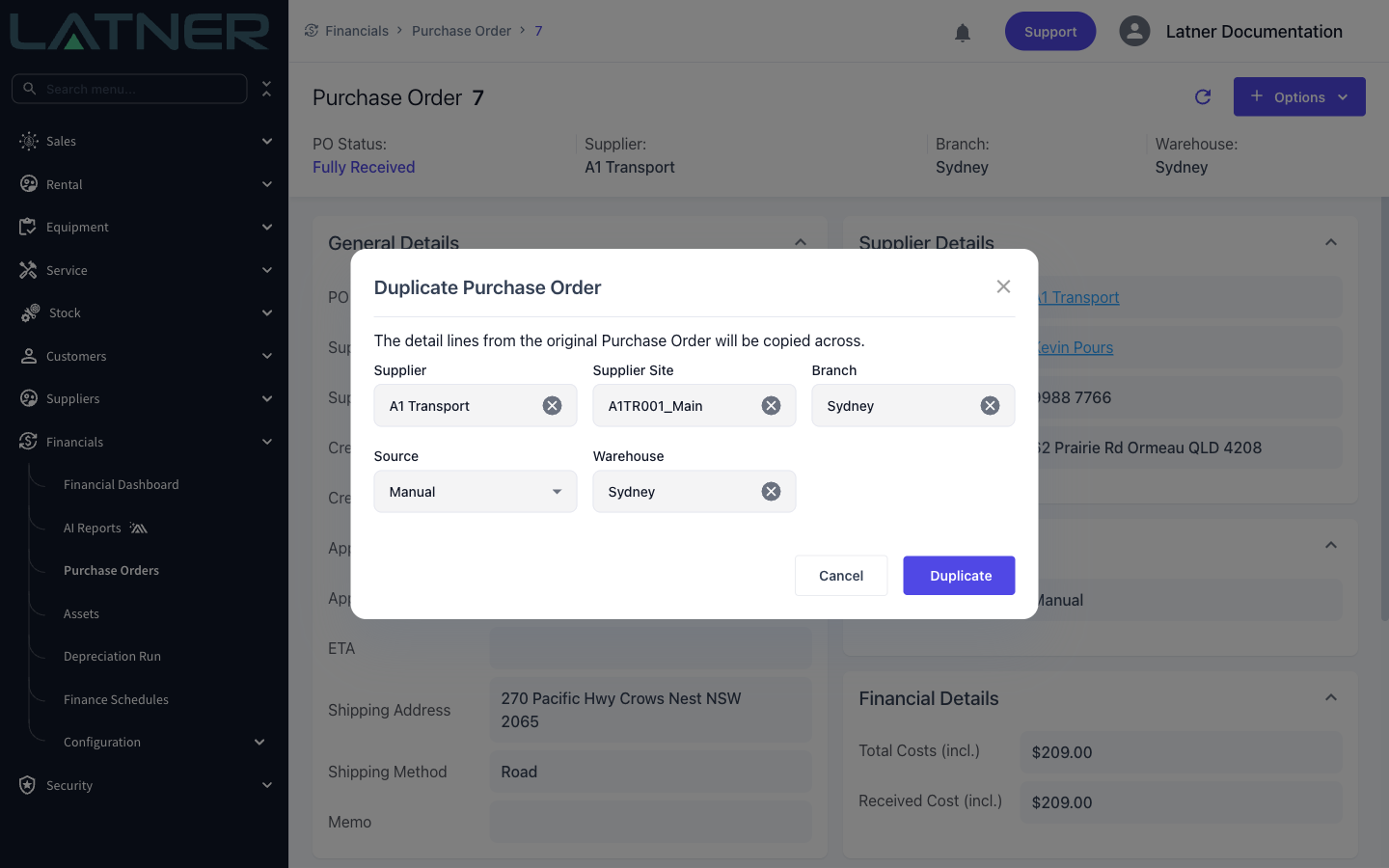
Recreating a regular order is now a couple of clicks: select Duplicate Purchase Order from the purchase order's Options menu and all of the detail lines are copied across. You can change the supplier, site, branch or warehouse before creating the new order - handy when ordering the same parts from a different supplier.
Other Updates & Improvements
-
Serialized stock now supports price lists
-
See failed or bounced emails in Latner, with cleaner failed-delivery notifications
-
Push supplier invoice PDFs to MYOB and Xero
-
Create equipment issues from the mobile inspections and equipment screens
-
Added a billable units summary to customer invoice PDFs
-
Extra filters on cycle billing
-
Excess hours are now tracked separately on rental contract details
-
Un-assign a customer from a work order
-
Cover page settings can now be set per branch
-
Open the equipment model or class directly from the equipment screen
-
Auto-generate PDFs on more email dialogs
-
Added barcode to stock export/import
-
Added a "My Branch" quick filter to the mobile work order list
-
Docket status quick filters on the Operator Docket list
-
Plus a range of smaller fixes and performance improvements