
Welcome to the February 2025 release of Latner Software. There are many updates in this version that we hope you'll like, some of the key highlights include:
Summary of changes:
Public Portal Documents for Equipment
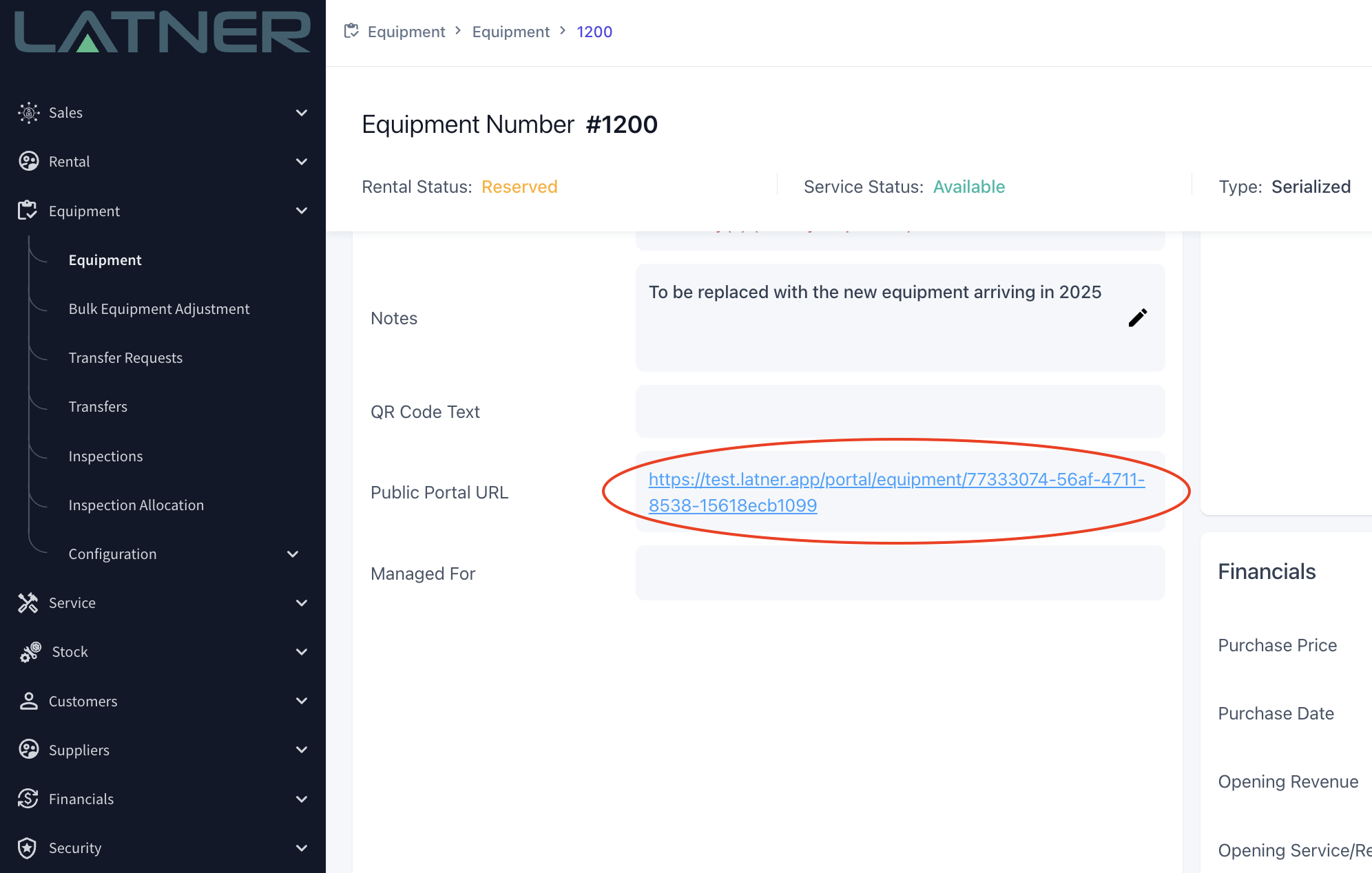
Public Portal URLs have now been created for all Equipment. This can be sent to customers to provide access to Equipment Documents, Inspection History Checklists and Service History.
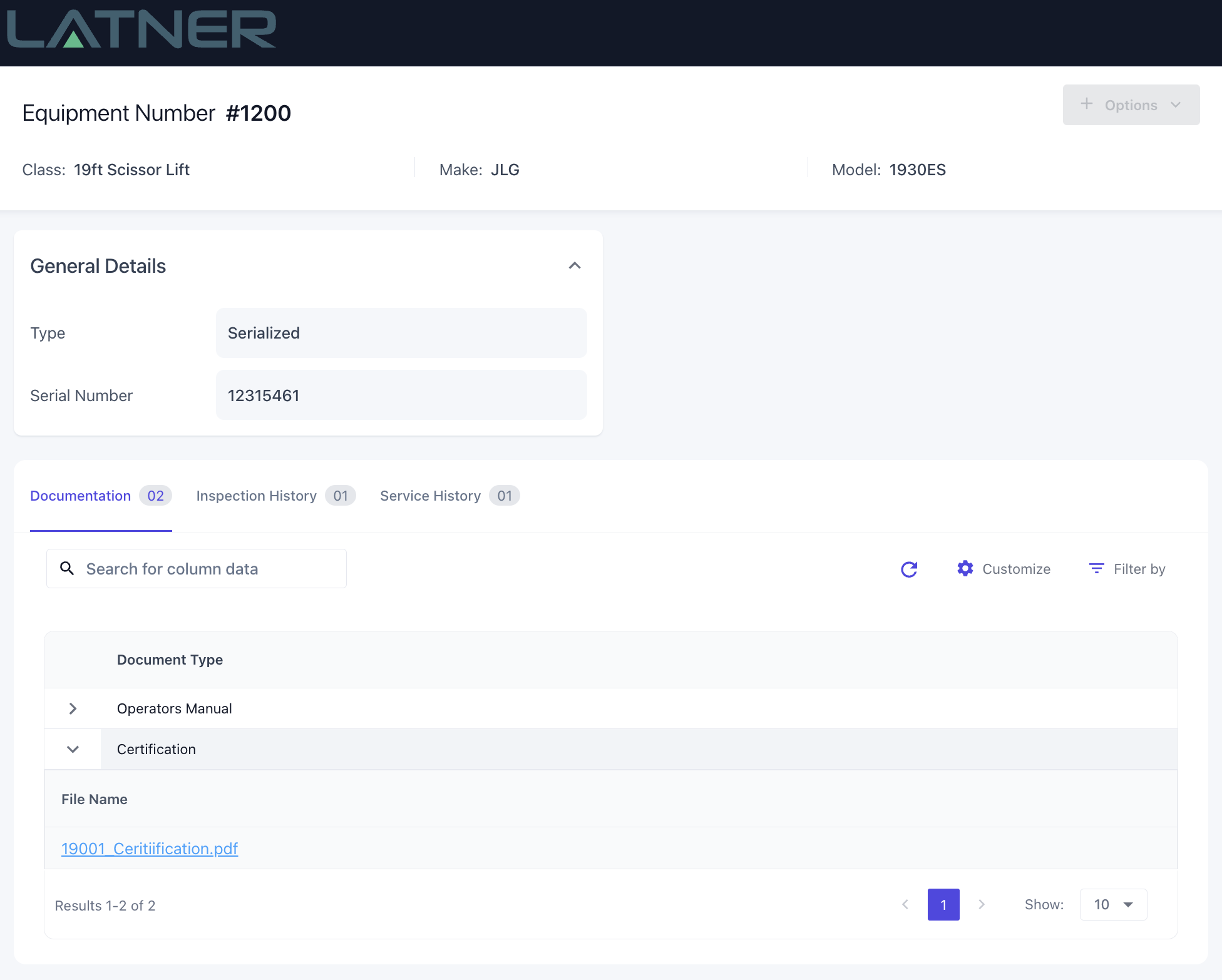
This public URL can be accessed from the Equipment Details screen. The URLs can also be configured to send to customers on Rental Contract emails
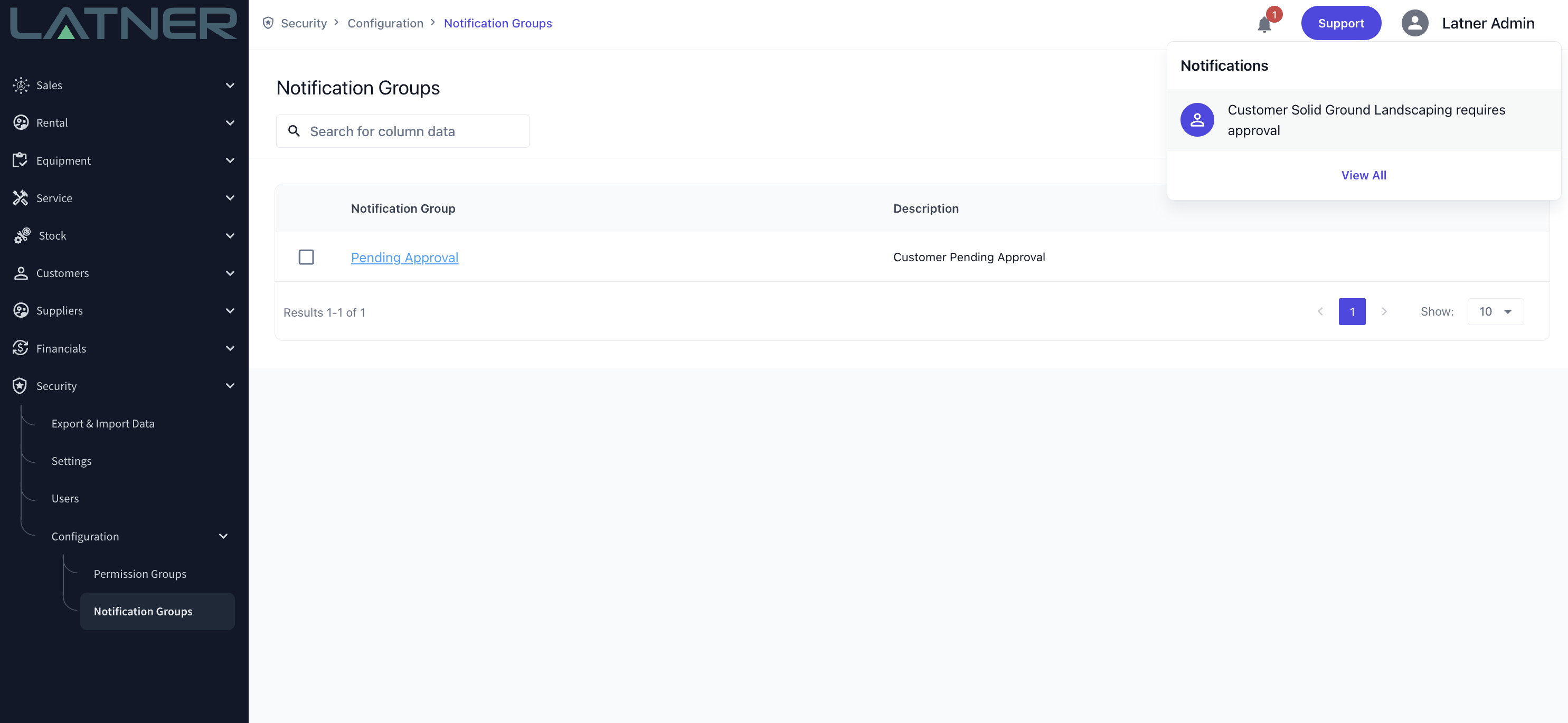
Notifications
Notifications have now been added to Latner. Users can now be notified in the application or by Email when events happen in Latner. Notifications can be configured in the Notification Groups screen under Security > Configuration > Notification Groups. The first notification that has been added to Latner is Customer Pending Approval, however more notifications will be added in the future.
Telematics Integration
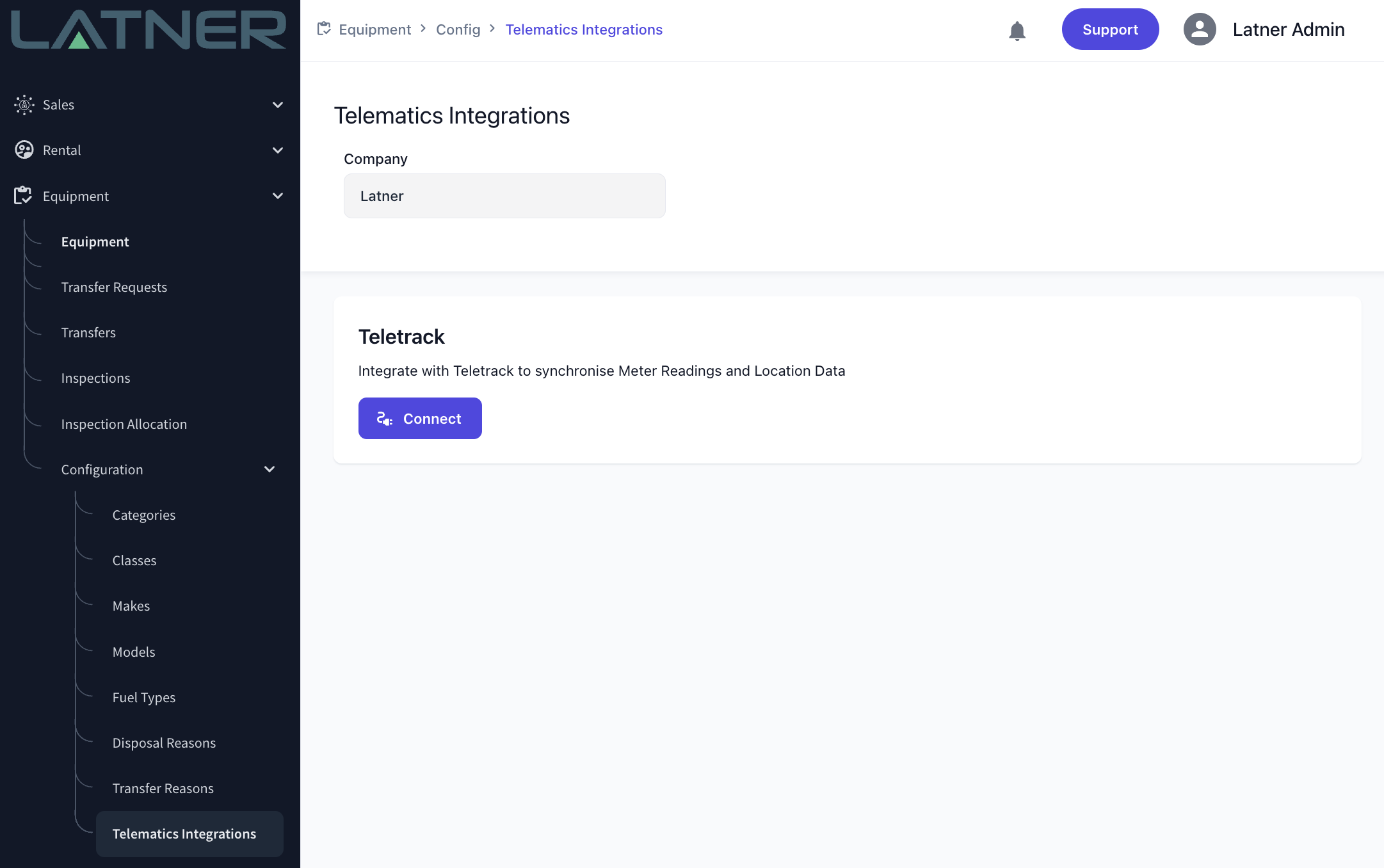
Latner can now be integrated with Teletrack to pull Meter Readings directly into Latner. More telematics providers will be added to Latner in the near future
Financial Utilisation Dashboard
A new Financial Utilisation Dashboard has been added to Latner
Rouse Integration
Latner can now be integrated with Rouse to automatically push all required data to Rouse
CRM Projects
Projects can now be created in Latner to be able to track Opportunities across multiple Customers for a single Project
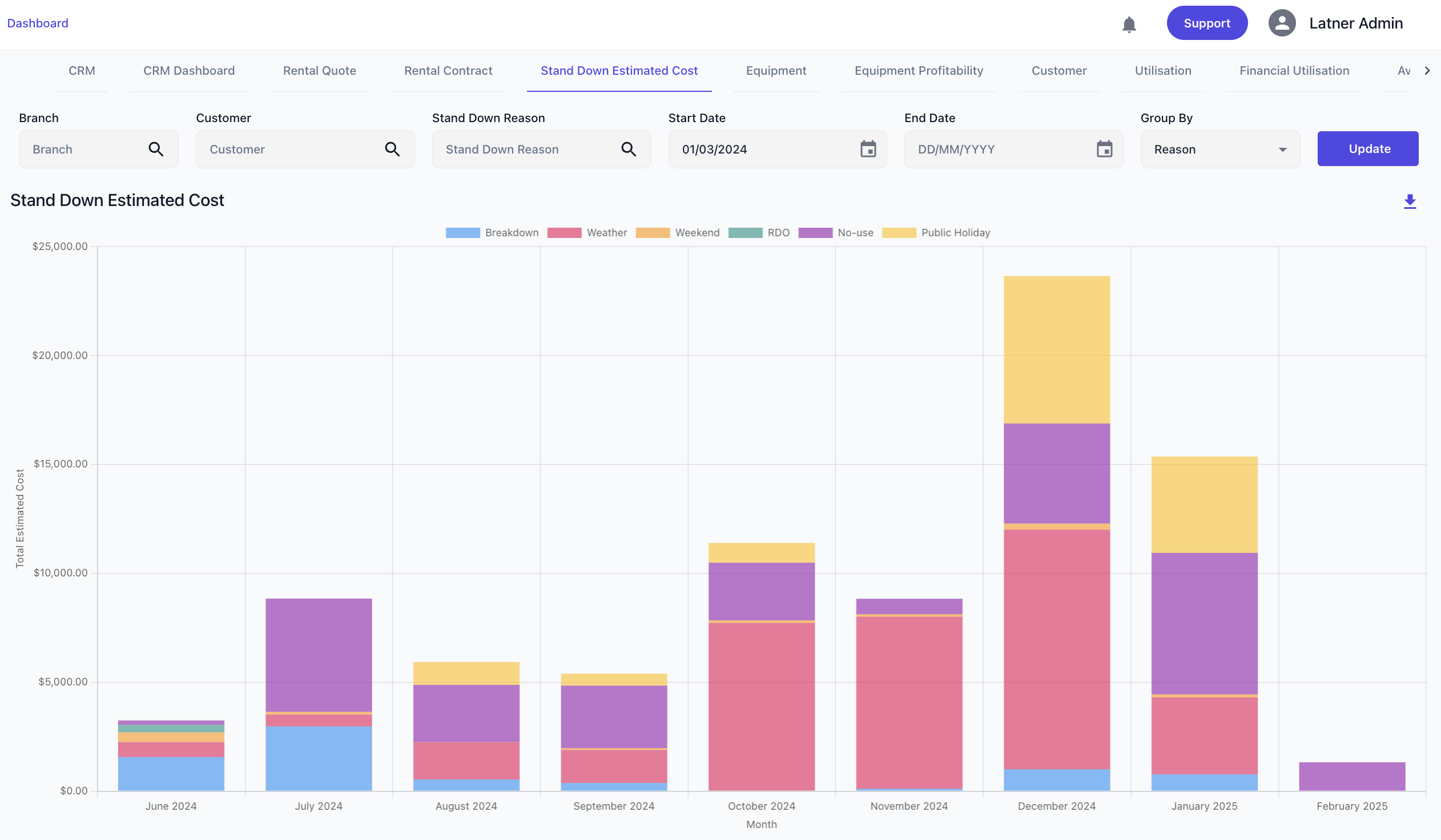
Stand Down Estimated Cost Dashboard
A new Dashboard has been added to Latner. The Stand Down Estimated Cost Dashboard lets you see the break down cost of Stand Downs between Reasons, Customers, and Branches
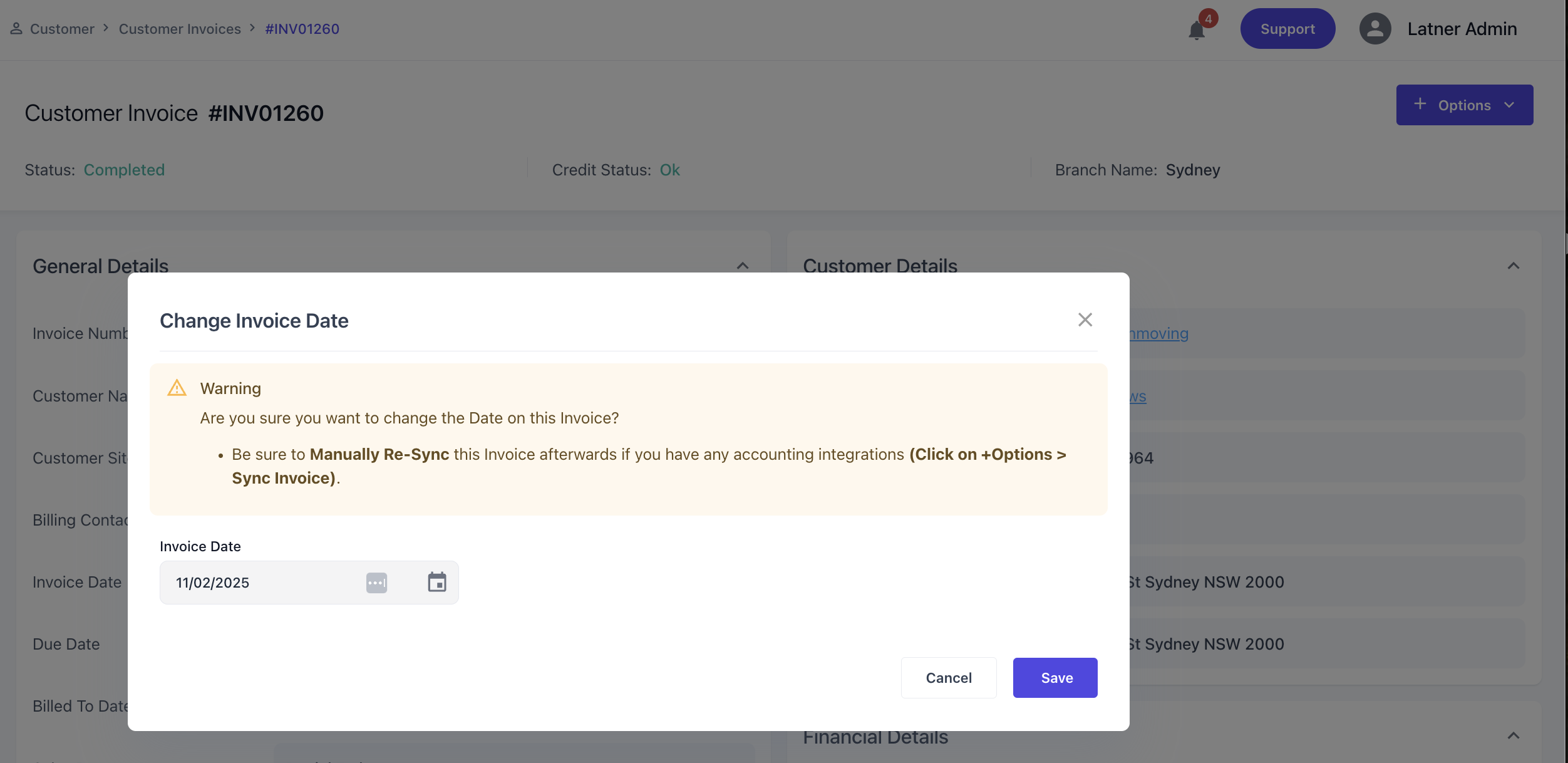
Changing of Invoice Date
The Invoice Date can now be updated from the Invoice Screen using ‘Options > Update Invoice Date’
Equipment Outstanding Issues Enhancement
-
Photos can now be added to outstanding issues
-
A list of all Outstanding Issues can now be viewed in the Work Order Daybook
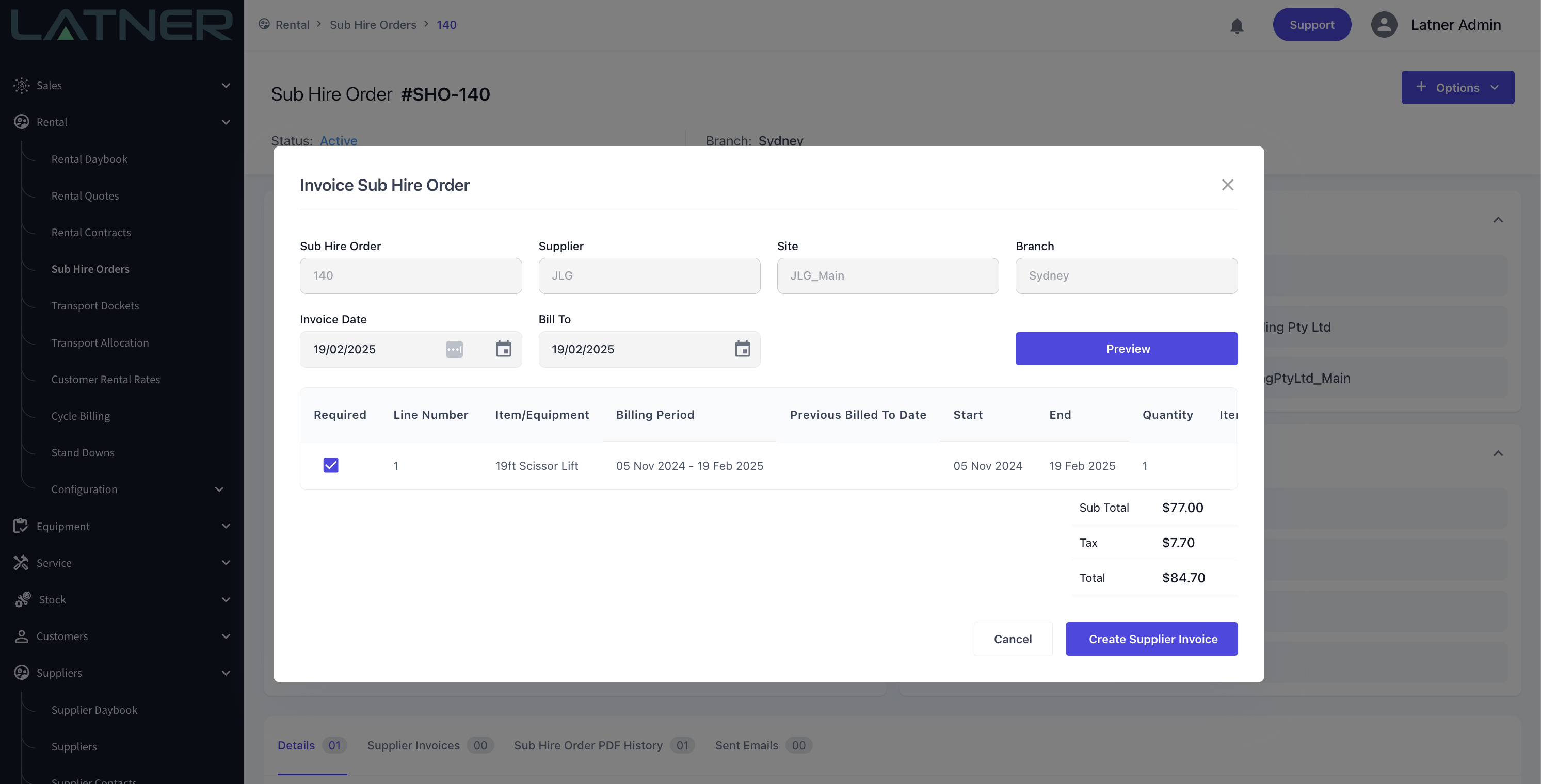
Manual Sub Hire Invoicing
Sub Hire Orders can now be invoiced manually. This allows for entering manual billing periods for the Sub Hire Invoice.
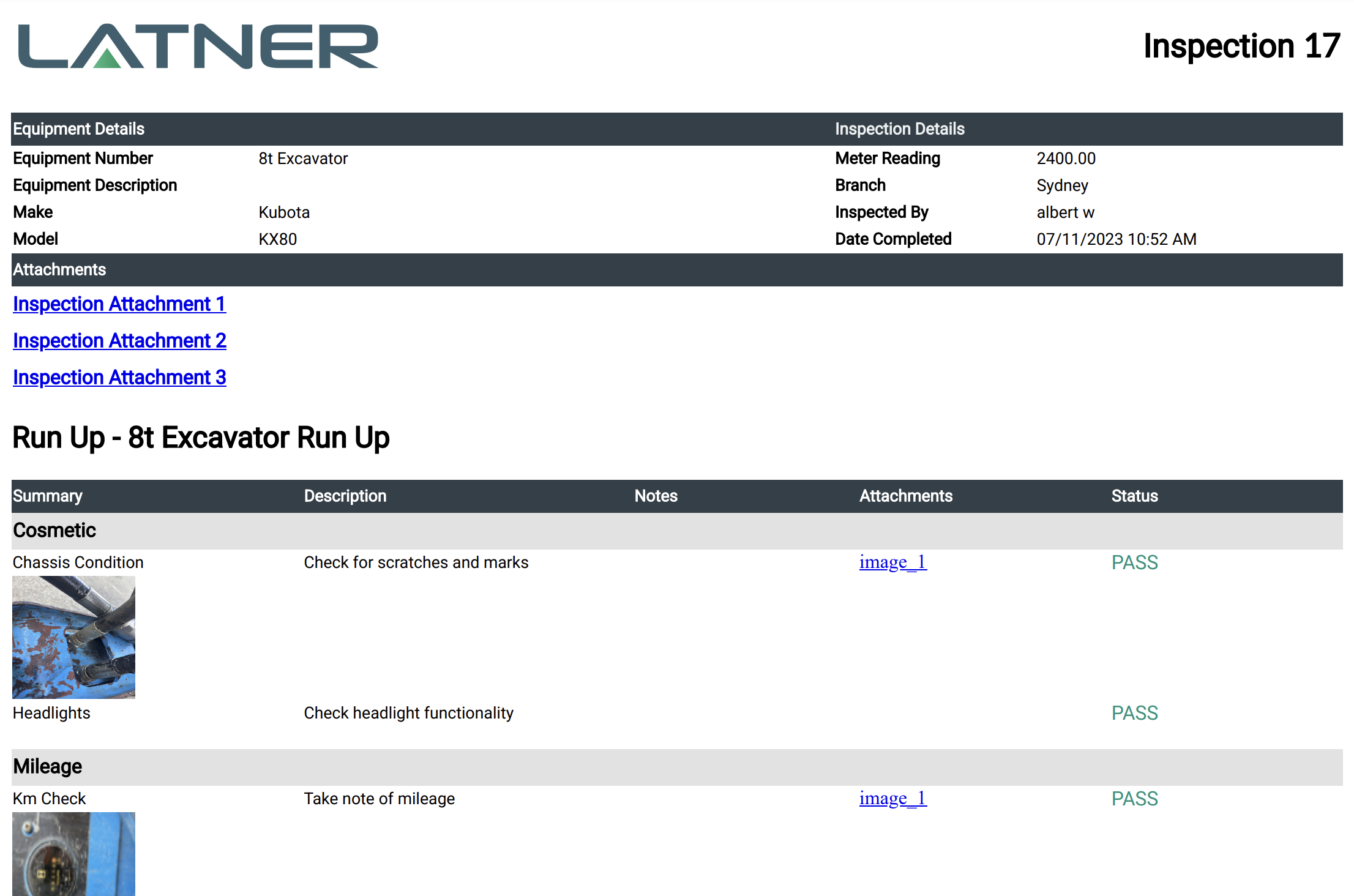
Inspection & Work Order Checklist Photo Links
Photo Links or Thumbnails are now accessible directly on the generated Inspection PDF for customers to access
Other Updates
-
Reminder about Equipment being in Warranty when creating a Work Order
-
External Notes can now be included in the Customer Invoice from the Rental Contract
-
Search for setting
Include Rental Contract Notes on Invoiceto switch this on
-
-
More detail has been added to the Xero Invoice sync