
The Customer tab on the Dashboard is the accounts team's checklist: invoices still open, invoices not yet sent, invoices that haven't reached your accounting system, and new customers waiting for approval.
Overview
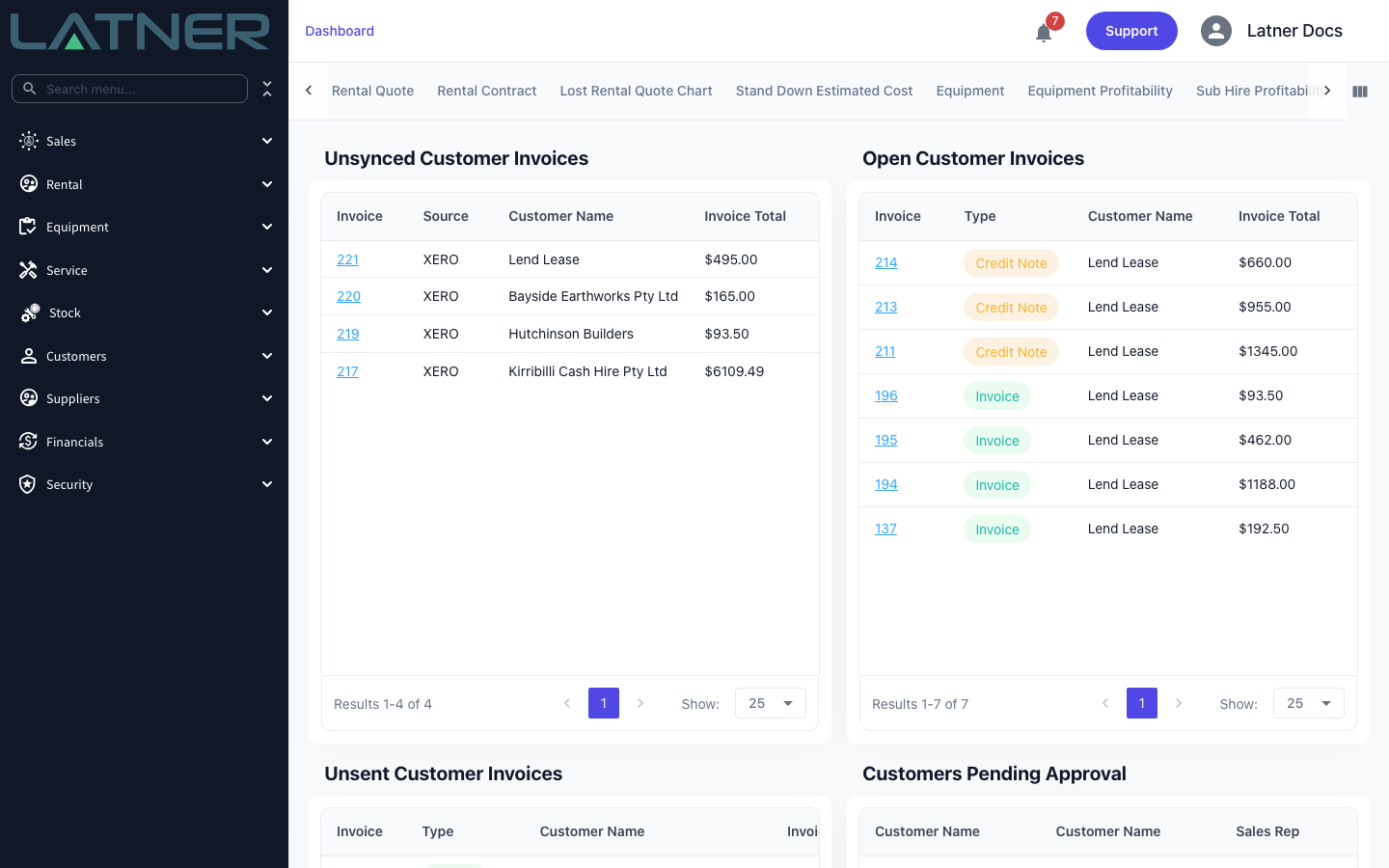
It's a tab on the Dashboard home screen with four lists. Hover over a title for a reminder of what it shows, and double-click a row to open the record.
-
Unsynced Customer Invoices - Completed or Paid invoices and credit notes that haven't synced successfully to your active accounting integration. Source shows which integration.
-
Open Customer Invoices - invoices in Open or Pending Approval status.
-
Unsent Customer Invoices - Completed invoices that haven't been sent or marked as sent to the customer.
-
Customers Pending Approval - customers waiting for approval, for example prospects just converted in CRM.
Before You Begin
Here's what you need to see this tab.
|
Requirement |
Where to Find It |
|---|---|
|
Customer Dashboards permission |
Security › Configuration › Permission Groups, Customers module |
|
Customer Invoice and Customer screen permissions, to load the lists |
Security › Configuration › Permission Groups |
|
An active accounting integration, for the unsynced list |
Financials |
Using the Customer Tab
Open Dashboard and select Customer.
-
The invoice lists show the invoice number, Customer Name and Invoice Total, plus the invoice Type or the sync Source.
-
Invoice numbers follow your Customer Invoice Number Format and Customer Credit Note Number Format settings.
-
These lists have no filters or download.