
Once the initial configuration is complete, Assets can be fully managed within the system and prepared for upcoming depreciation runs. They can then be activated to be fully utilised on depreciation runs.
Setting Up Assets
The following values are required to setup an Asset for Depreciation
-
Depreciation Type - This is the method used when depreciating the asset
-
Purchase Price - The price the asset was originally purchased
-
Purchase Date - The date the asset was originally purchased
-
Activation Date - The date which depreciation will start from
Importing
Assets can also be setup in bulk using the Export/Import module. This makes it easier to process multiple assets required for setup.
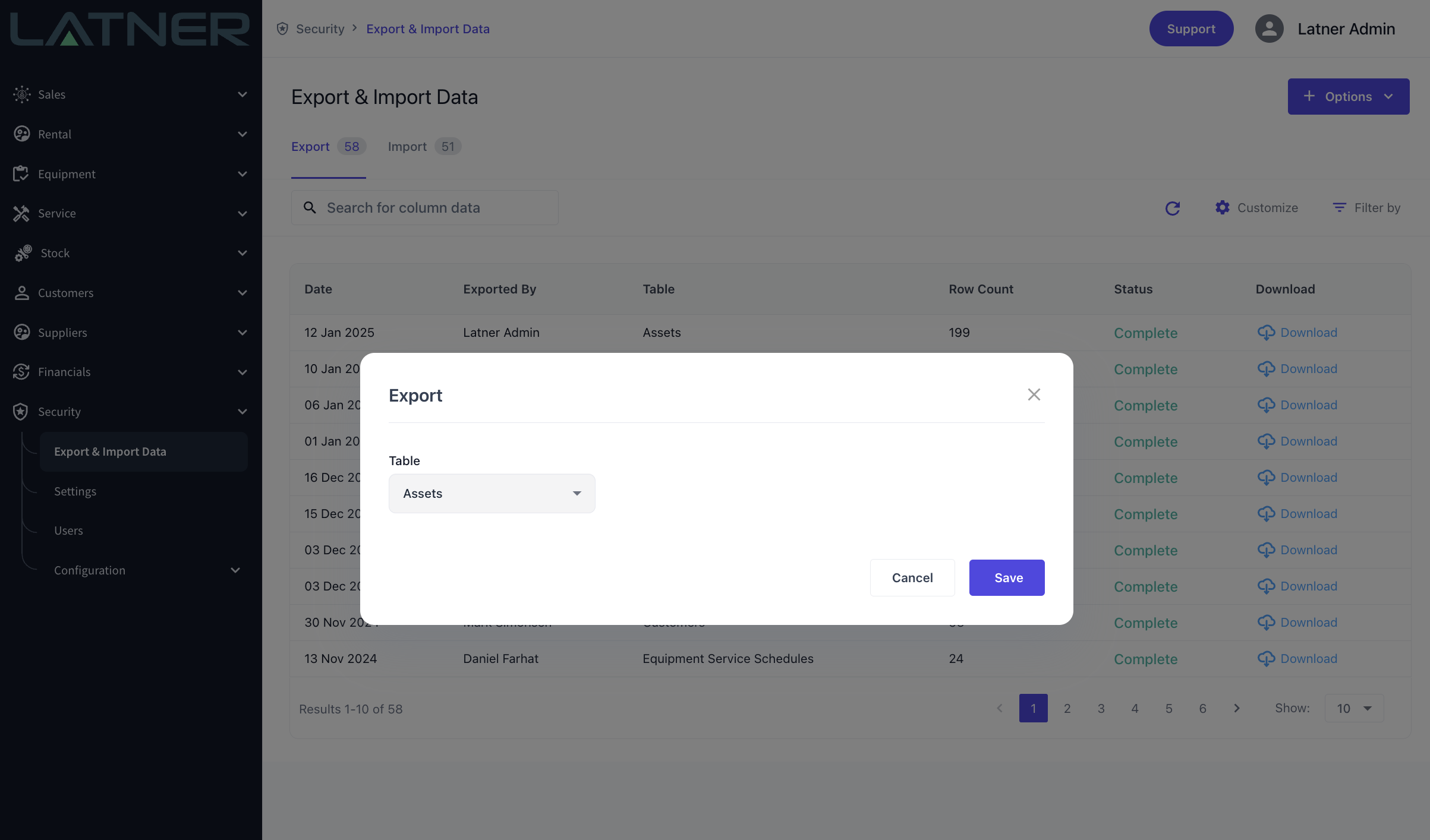
Once the Asset export is completed, it can be downloaded, configured, and imported to setup the Assets in Latner.