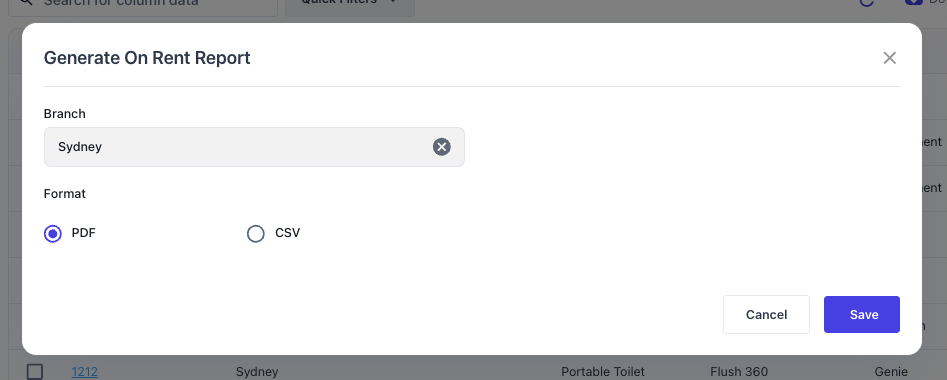
To generate a report for all equipment that are currently on rent along with the contract and rate details, navigate to the Equipment List screen. Select Options > “Generate On Rent Report”.
Note: If you want to generate an on rent report for just a specific Customer, use the Customer On Rent Report.
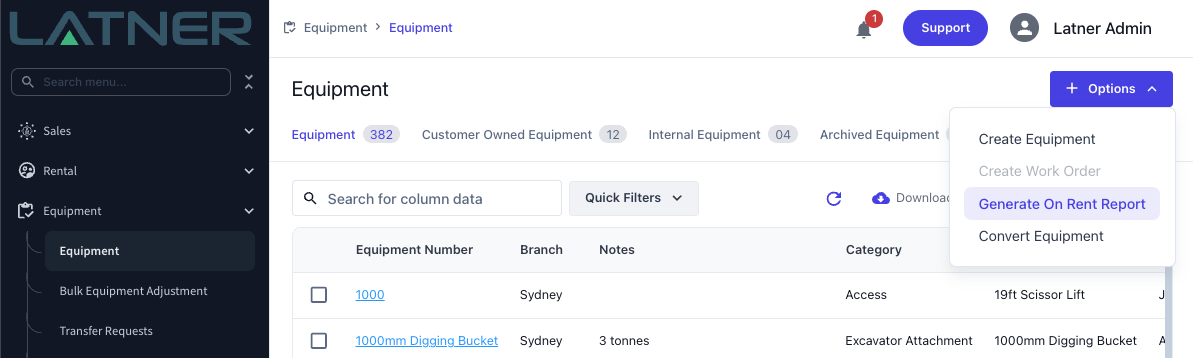
You will be prompted to select a Branch and which format to produce the report in (either PDF or CSV). If you have a large number of Equipment, you may be forced to use the CSV format.